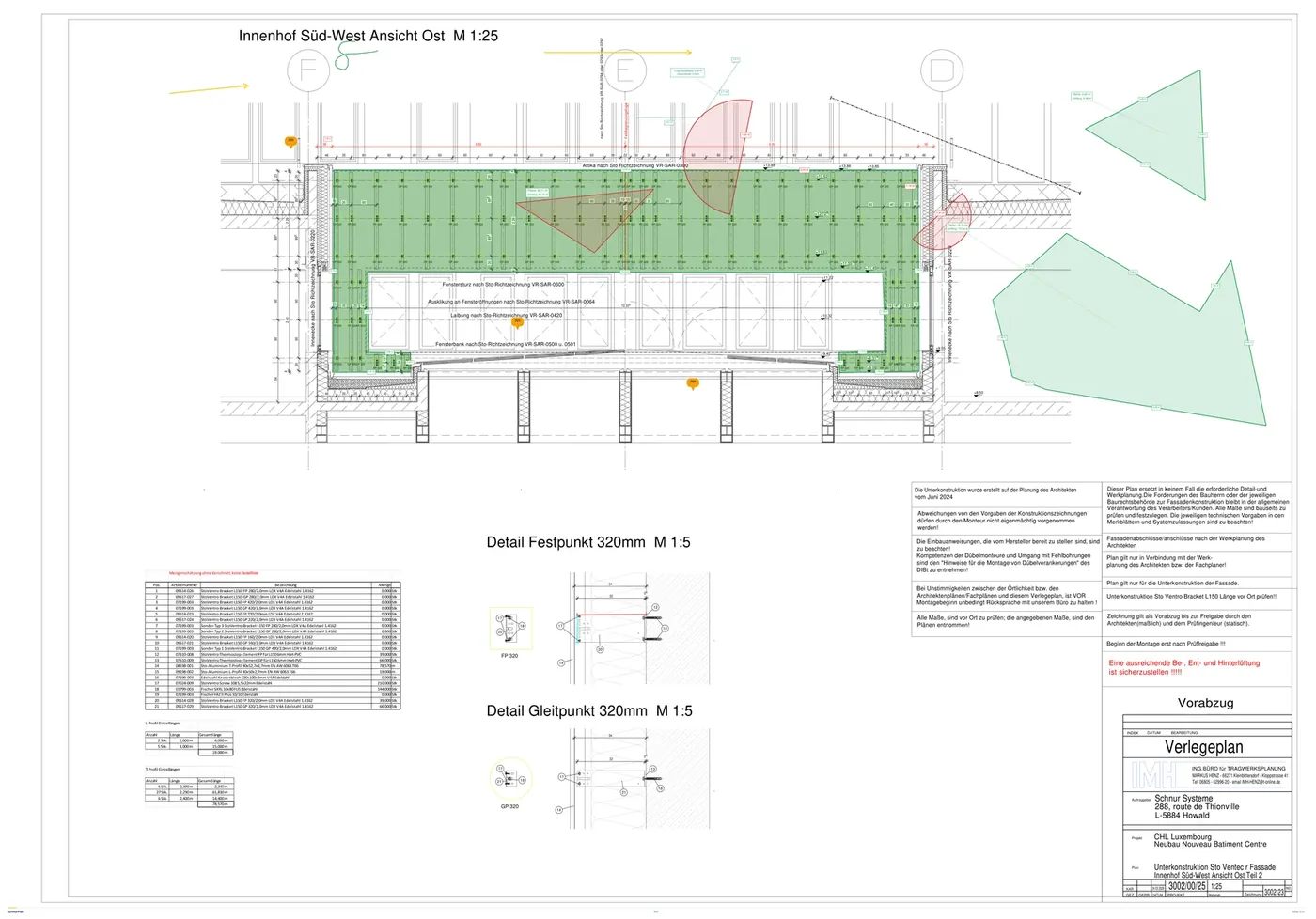
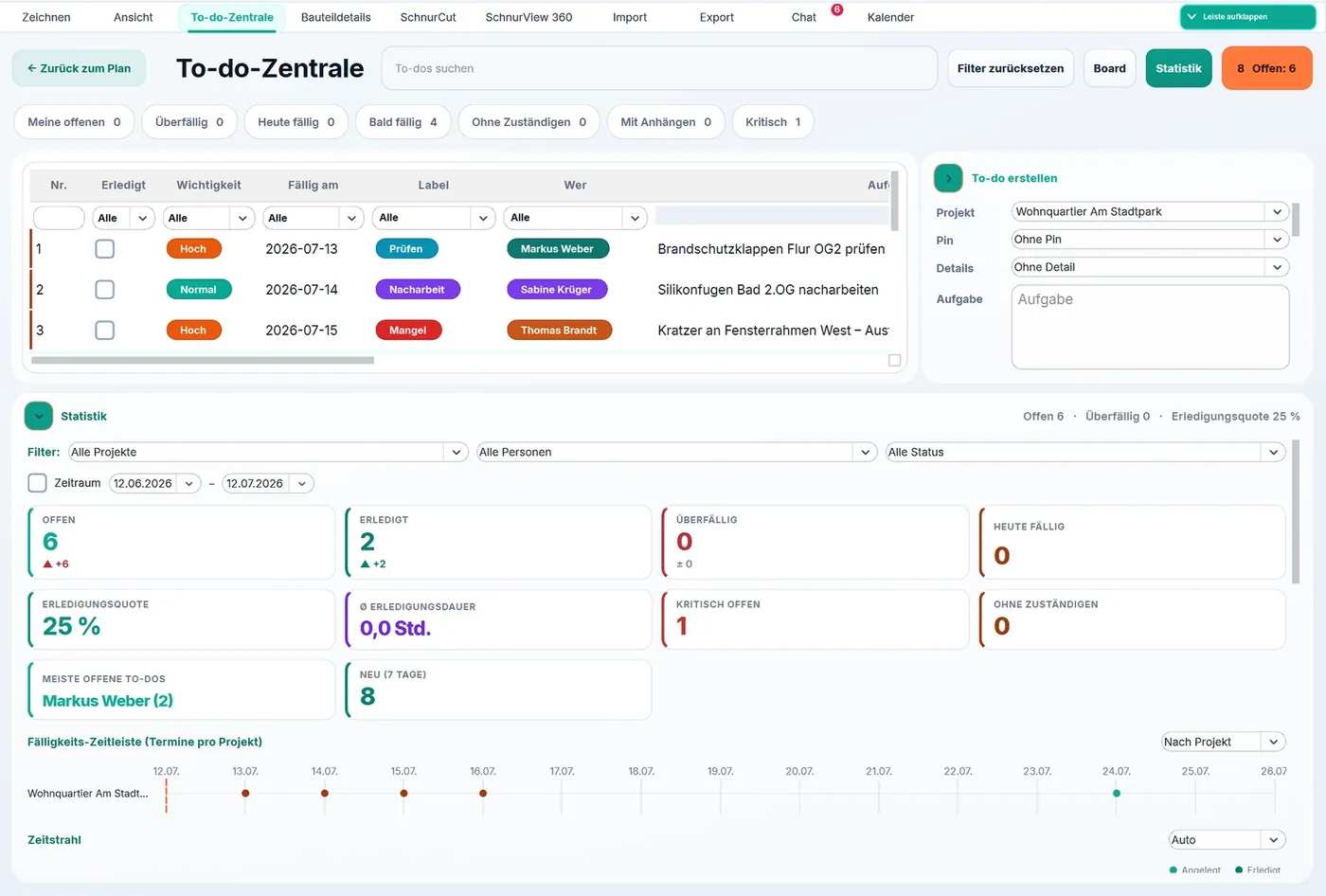
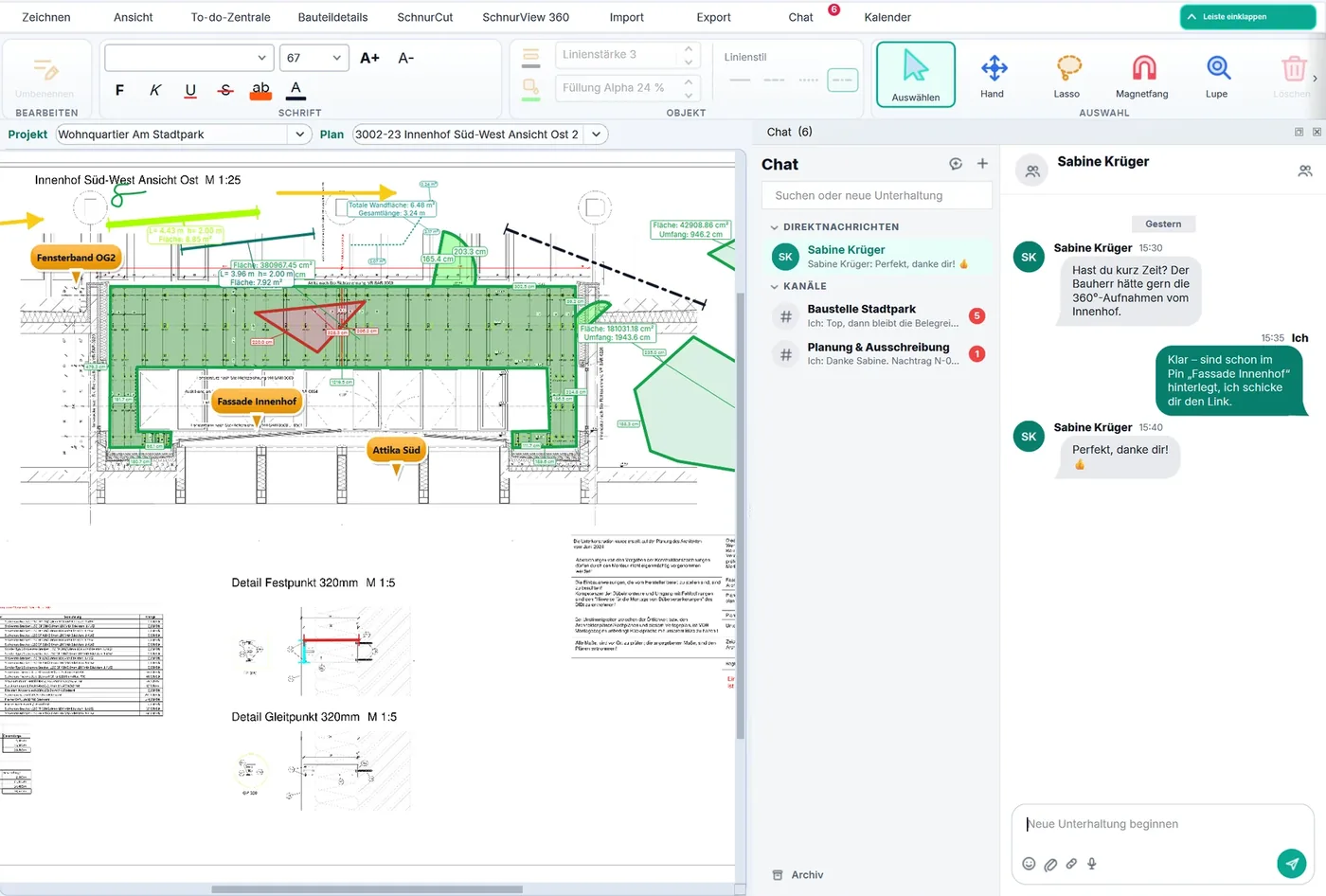
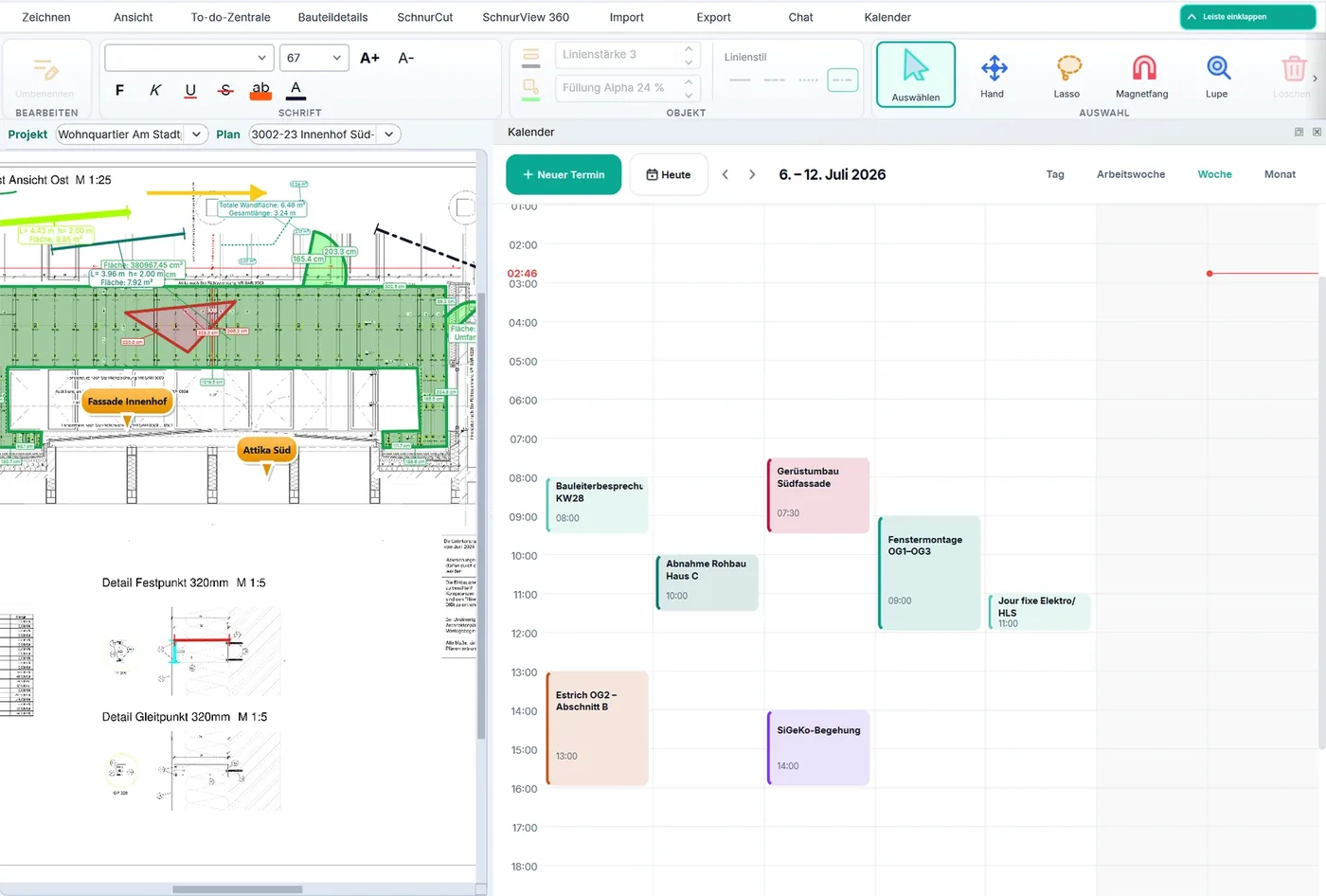
The result that reaches your client: a clickable PDF report and an interactive HTML workshop plan. This is what both exports look like. The example files you can open yourself are being prepared again.
HTMLExample
Interactive workshop plan (HTML)
Zoomable panels, clickable parts, waste and measurements, right in the browser.
Example coming soon
PDFExample
Interactive report (PDF)
Cover page, plans as vectors, clickable pins with back-links, timestamps.
Example coming soon
Team sync
Two devices, one state.
The encrypted sync through the SchnurSolutions server is the standard way for team projects: plans, pins, photos and drawings go out the moment you save — by themselves, to the other devices in the project.
A rebuild, not live: the device windows here are drawn and the building site is invented. The preview above runs on your screen alone and syncs nothing — which is why the sync stands here as a rebuild instead of a live demo.
Rebuild
Laptop in the officeSaved
AHORNWEG HOUSE
Pin placed and saved
Goes out when you save
Encrypted through the SchnurSolutions serverThat is the standard way, not the exception.
Rebuild
Phone on siteUp to date
AHORNWEG HOUSE
The pin is here
Arrived automatically
No signal? It carries on anyway.
With no connection you simply keep working. Your changes wait on the device and go out by themselves once you are back in range.
Attendance tracking is a product of its own next to SchnurPlan MAX: €15 per user and month. It runs in the phone browser.
A rebuild, not live: the three pictures are drawn. Times, hours and the location accuracy in them are invented. The labels are the ones the program really uses.
One tap, and the day is running.
Start workday — that is all it takes in the morning. The site is confirmed by the QR code on the board or by a tap on “Confirm site”. Without location permission the time is still recorded.
Rebuild
Attendance
TodayMy timesCorrections
Not started yet
Start workday
Scan QRConfirm site
Location captured · accuracy ±12 m
The proof for payroll.
The confirmed days turn into a ready-to-hand-in Excel report — a real .xlsx, no Excel required. Every entry carries its detection type in plain words, so nobody has to guess how a time came about.
Rebuild
Daily Log.xlsx
06.07.06:58 – 16:128,25Automatic (PWA active)
07.07.07:02 – 15:487,75QR confirmed
08.07.06:45 – 16:058,33By supervisor
Detected in · Detected outActual (h) 24,33
The supervisor puts it right.
Phone forgotten, battery dead? The supervisor records it for the team. Every correction runs as a request with reason and decision — nothing is silently overwritten, the original entry is kept.

 app.schnursolutions.com/demo
 DEMO
DEMO 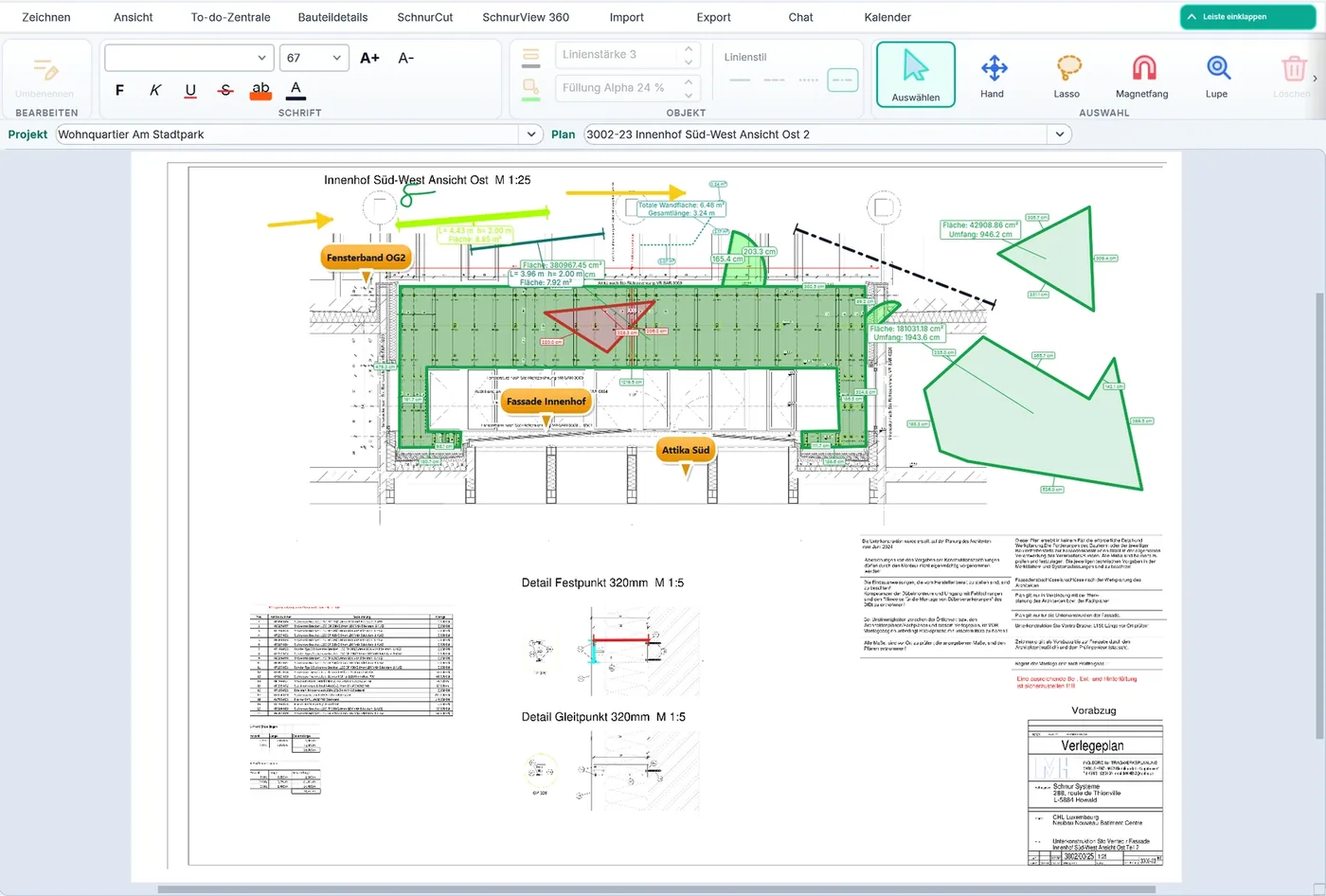
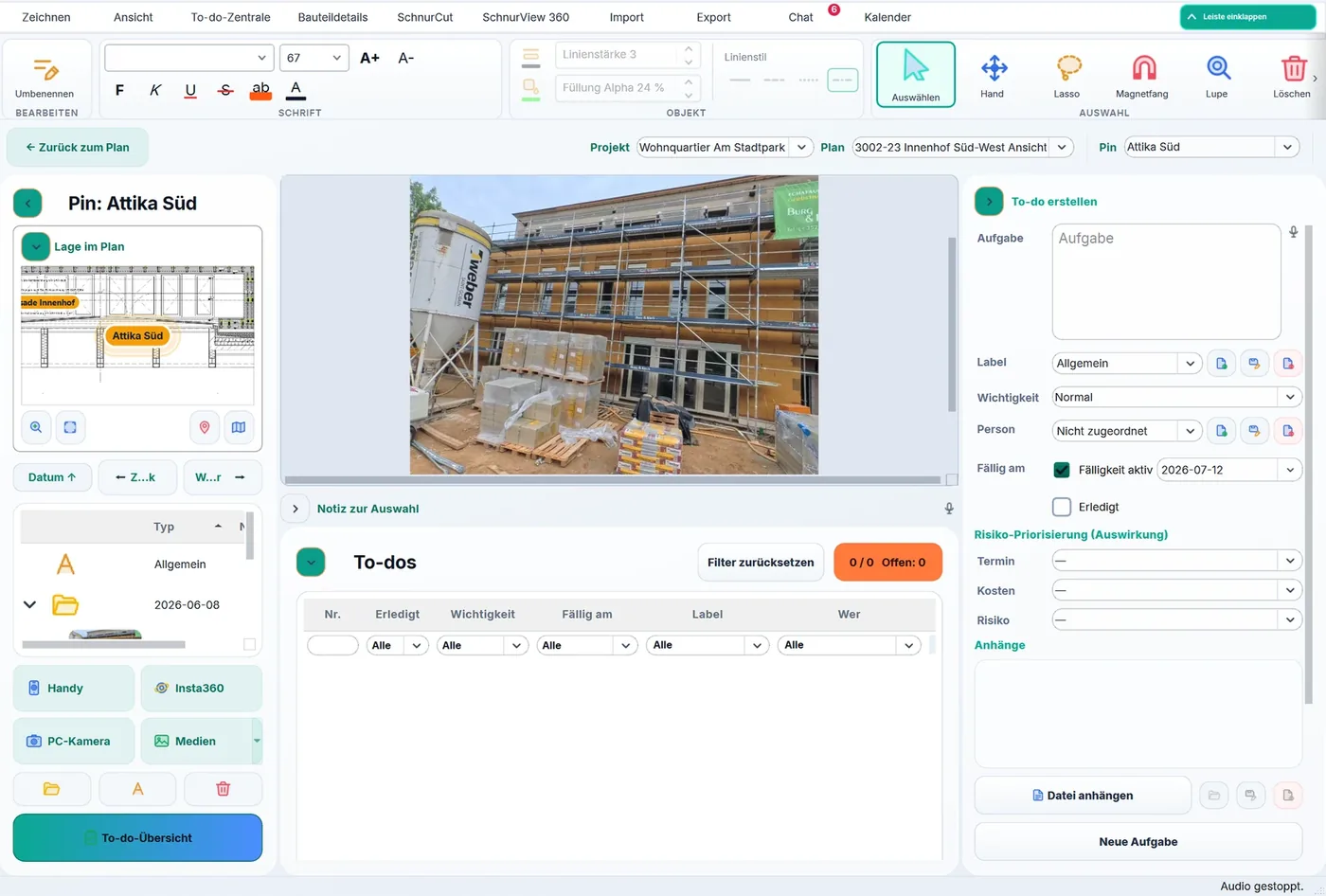
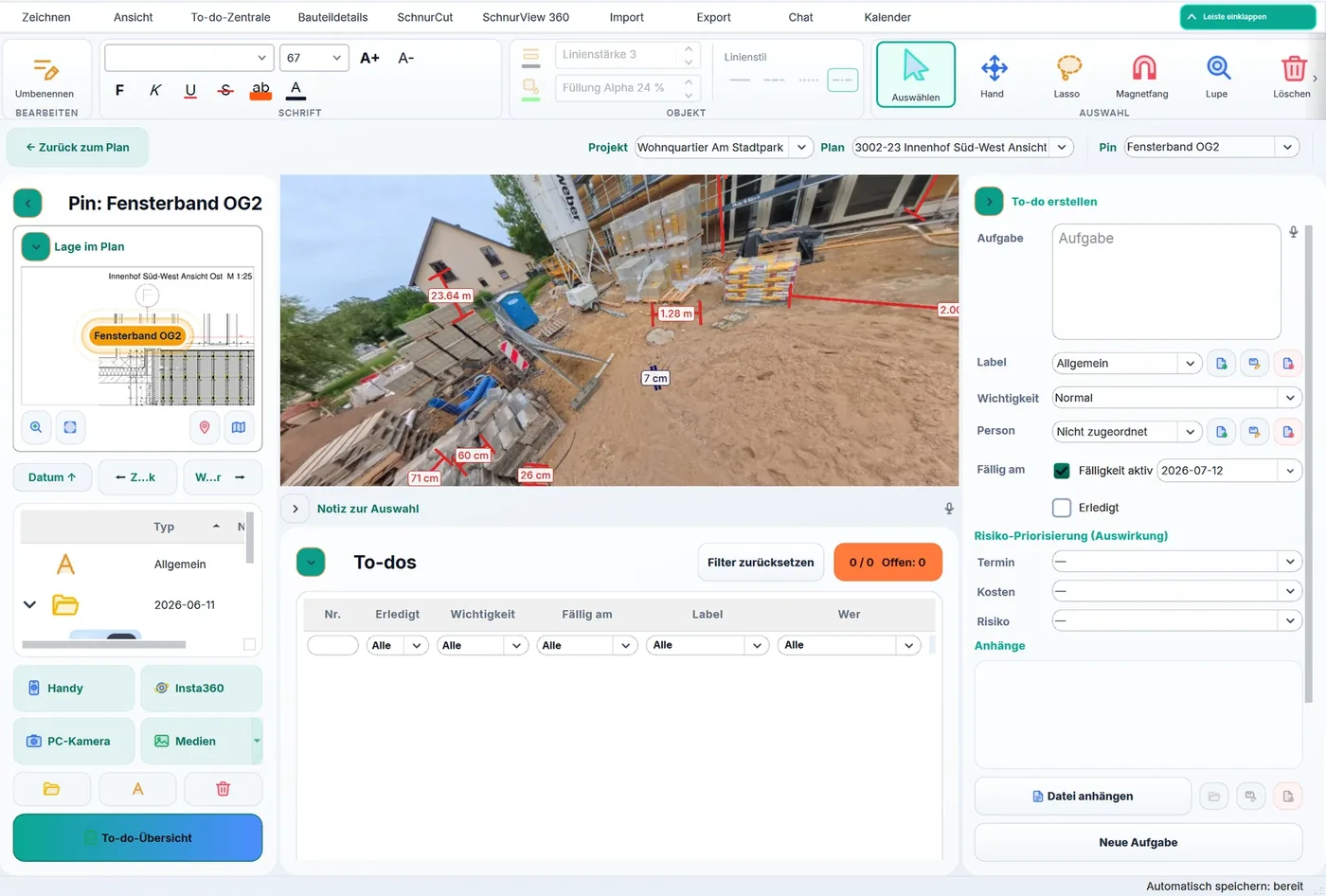
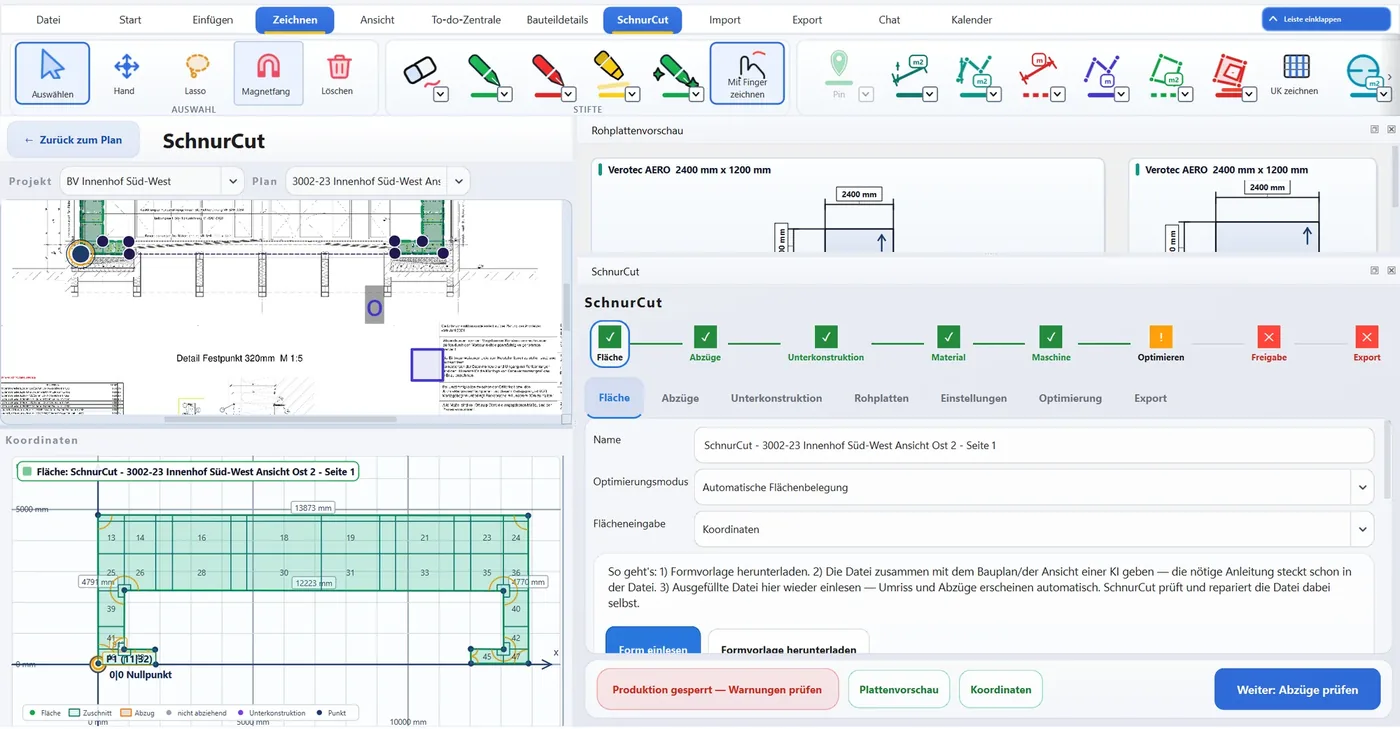 desktop only